NotebookLM Complete Tier Guide: Free vs Plus vs Pro vs Ultra — Every Limit, Feature & Price Compared (2026)
NotionGoogle's NotebookLM has quietly become one of the most powerful AI research tools available — and unlike most AI tools, its free tier is genuinely useful. But with Google restructuring NotebookLM into four distinct tiers in late 2025 (Free, Plus, Pro, and Ultra), figuring out which plan actually fits your workflow has become unnecessarily confusing.
This guide breaks down every tier, every limit, every feature, and every price point so you can make an informed decision without wading through marketing pages.
What is NotebookLM?
Before we dive into tiers, let's be clear about what NotebookLM actually does. It's not a generic chatbot — it's a source-grounded AI research assistant. You upload your own documents (PDFs, Google Docs, Slides, Sheets, websites, YouTube videos, audio files, images), and NotebookLM becomes an expert on only that material.
Every answer it gives includes citations back to your sources. It won't hallucinate information from the broader internet — it stays locked to what you've provided. This makes it fundamentally different from tools like ChatGPT or Claude, which draw from training data.
Core capabilities available on every tier include:
- Chat with your sources (ask questions, get cited answers)
- Audio Overviews (podcast-style AI discussions of your material)
- Video Overviews (narrated video presentations)
- Deep Research (multi-step research agents that find new sources online)
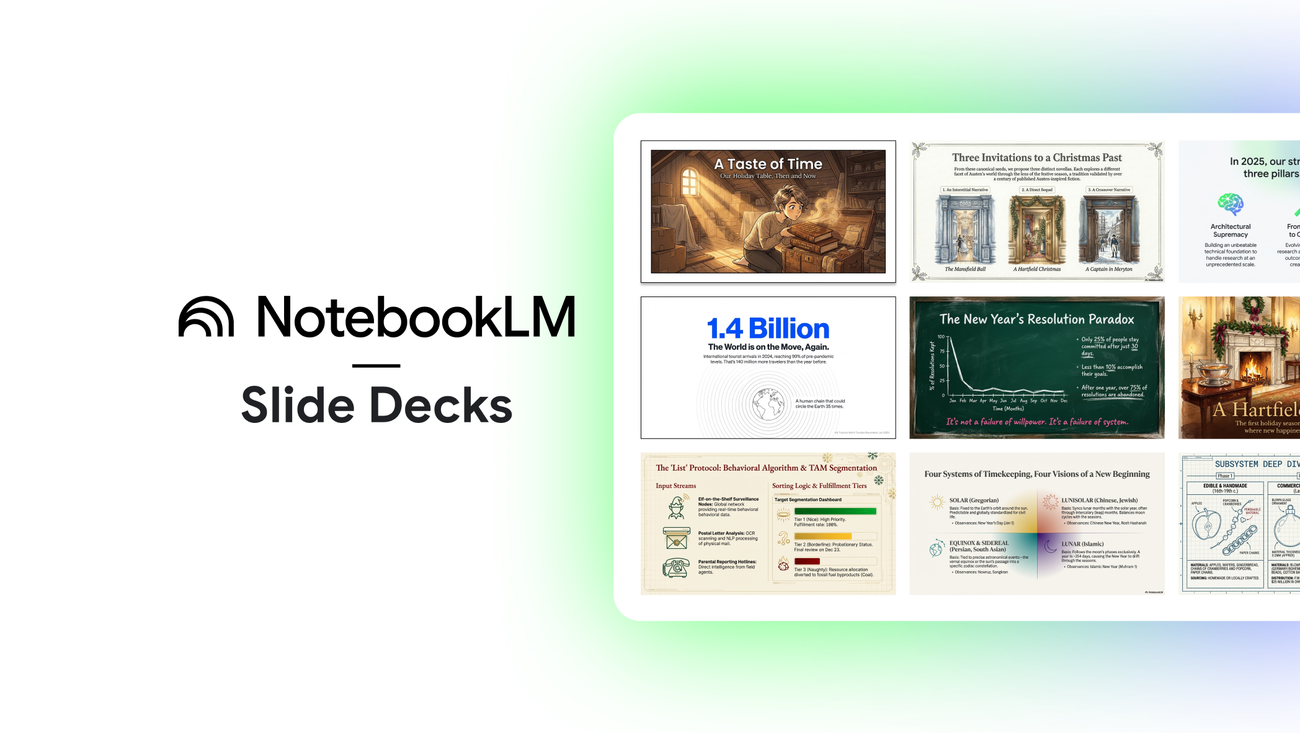
- Slide Decks & Infographics (AI-generated presentations and visual summaries)
- Reports, Flashcards, Quizzes, and Mind Maps
- Source Discovery (AI suggests additional relevant materials)
The Four Tiers at a Glance
NotebookLM's tier structure maps directly to Google's broader AI subscription plans. Here's the quick overview:
Important: NotebookLM cannot be purchased as a standalone product for individuals. Each paid tier comes bundled with a Google AI subscription that includes Gemini access, cloud storage, and other Google AI features.
Complete Usage Limits Comparison

This is the table you've been looking for. Every number comes directly from Google's official documentation (as of March 2026):
Note: All source files are capped at 500,000 words or 200MB per source, regardless of tier. Daily quotas reset every 24 hours; monthly quotas reset every 30 days.
Tier-by-Tier Deep Dive
Tier 1: NotebookLM Standard (Free)
Price: $0 — just need a Google account
Who it's for: Students, casual researchers, anyone testing the platform
The free tier is remarkably generous. You get access to every core feature — Deep Research, Audio/Video Overviews, Slide Decks, Infographics, the full 1-million-token context window — with no trial period or expiration. This is genuinely unusual in the AI space.
What works well:
-
100 notebooks with 50 sources each is enough for most individual projects
-
The full Gemini model powers your research (same architecture as paid tiers)
-
Audio Overviews alone make it worth using — turn any dense document into a listenable discussion
-
Deep Research, even at 10/month, lets you experience the agent-powered web research capability Where you'll hit walls:
-
50 chat queries per day can get burned through fast during heavy research sessions
-
3 Audio Overviews per day limits how much content you can convert to audio
-
10 Deep Research sessions per month means you need to be strategic about when to use this feature
-
50 sources per notebook gets tight when building comprehensive knowledge bases Best strategy: Use focused notebooks with clear themes. Ask targeted questions instead of broad ones to conserve your 50 daily queries. Reserve Audio Overviews for your densest material.
Tier 2: NotebookLM Plus ($7.99/month)
Price: $7.99/month via Google AI Plus plan
Who it's for: Regular users who occasionally bump into free tier limits
Plus is Google's newest tier, launched in the US in January 2026. It's positioned as the affordable entry point for people who need a bit more breathing room than the free plan offers.
Key upgrades over Free:
-
200 notebooks (2x) and 100 sources per notebook (2x)
-
200 chat queries per day (4x increase — the biggest jump at this tier)
-
6 Audio/Video Overviews per day (2x)
-
Deep Research moves from 10/month to 3/day — a massive quality-of-life improvement
-
Early access to new features What else you get with Google AI Plus:
-
200GB of Google cloud storage
-
Access to Gemini 3 Pro in the Gemini app
-
AI features in Gmail and Docs
-
Access to Flow (AI filmmaking tool)
-
Plan sharing with up to 5 family members The verdict: Plus is the sweet spot for students and light professionals. The jump from 10 Deep Research sessions per month to 3 per day alone could justify the upgrade. At $7.99/month, this is probably the best value tier in the lineup.
Tier 3: NotebookLM Pro ($19.99/month)
Price: $19.99/month via Google AI Pro plan (student discount: $9.99/month for US students 18+)
Who it's for: Power users, professional researchers, daily NotebookLM users
Pro is where NotebookLM transforms from a useful tool into a daily professional workhorse. The limits are high enough that most users will never notice them.
Key upgrades over Plus:
-
500 notebooks and 300 sources per notebook (the 6x source jump from free is significant)
-
500 chat queries per day — enough for all-day research sessions
-
20 Audio/Video Overviews per day — enough to produce content at scale
-
100 Reports, Flashcards, and Quizzes per day
-
20 Deep Research sessions per day
-
Higher access to Gemini models (faster, more capable responses)
-
Priority access to new features What else you get with Google AI Pro:
-
2TB of Google cloud storage
-
Gemini Advanced (Google's most powerful chatbot)
-
Full AI integration across Gmail, Docs, Sheets, Slides
-
Deep Research in the Gemini app
-
Access to Flow with more credits Also available through:
-
Google Workspace Business Standard ($14/user/month)
-
Google Workspace Business Plus ($22/user/month)
-
Google Workspace Enterprise Standard/Plus
-
Gemini Education Premium add-on The verdict: If you use NotebookLM daily for professional work, Pro removes essentially all friction. The student discount at $9.99/month makes this an absolute steal for eligible students.
Tier 4: NotebookLM Ultra ($249.99/month)
Price: $249.99/month via Google AI Ultra plan
Who it's for: Organizations, power users running large-scale research, content teams
Ultra is Google's premium tier announced at I/O 2025. At $250/month, it's clearly not for casual users — this targets professionals who need maximum capacity and polished outputs.
Key upgrades over Pro:
-
600 sources per notebook (the highest available — 2x Pro, 12x Free)
-
5,000 chat queries per day (10x Pro)
-
200 Audio Overviews, Video Overviews, and Deep Research sessions per day (10x Pro)
-
1,000 Reports, Flashcards, and Quizzes per day
-
20 Cinematic Video Overviews per day (Ultra exclusive)
-
Highest Gemini model access and priority
-
Watermark removal on Slide Decks and Infographics — the killer feature for professional outputs What else you get with Google AI Ultra:
-
30TB of Google cloud storage
-
Highest access to Gemini 3 Pro and all Google AI tools
-
Veo 3 video generation
-
Flow AI filmmaking with maximum credits
-
YouTube Premium included The verdict: The watermark removal alone could justify Ultra for content creators and consultants who use Slide Decks and Infographics as client deliverables. For everyone else, Pro likely covers your needs.
Enterprise: NotebookLM for Organizations

For teams and organizations, Google offers NotebookLM Enterprise through Google Cloud at approximately $9/license/month (with volume discounts for annual subscriptions).
Enterprise includes:
- 5x or more limits across all features compared to the standard plan
- Advanced sharing and collaboration (shared organizational notebooks)
- Enterprise-grade security: VPC-SC, IAM controls, data regionalization
- Data protection guarantees: uploads, queries, and responses are never reviewed by human reviewers or used to train AI models
- Usage analytics for administrators
- Minimum 15 licenses per subscription, up to 5,000 Enterprise is also available through qualifying Workspace plans (Business Standard and above) and add-ons like Gemini Enterprise, Gemini Business, and Gemini Education Premium.

The Multiplier Effect: How Limits Scale Across Tiers
To visualize how dramatically limits increase as you move up tiers, here's the multiplier compared to the free plan:
Deep Research multiplier calculated by converting monthly to daily equivalents.
Supported Source Types (All Tiers)
Regardless of which tier you're on, NotebookLM accepts the same source types:
Every source is limited to 500,000 words or 200MB, whichever comes first. There's no page limit.
Which Tier Should You Pick?
Here's a practical decision framework:
Stay on Free if:
-
You're exploring NotebookLM for the first time
-
You work on 1-2 research projects at a time with fewer than 50 sources each
-
You don't need more than a few audio summaries per day
-
You use Deep Research sparingly (once every few days) Upgrade to Plus ($7.99/mo) if:
-
You regularly use 50+ chat queries per day
-
You want Deep Research available daily instead of monthly
-
You need more than 50 sources in a single notebook
-
You want early access to new features
-
You want 200GB of cloud storage + Gemini 3 Pro access Upgrade to Pro ($19.99/mo) if:
-
NotebookLM is part of your daily professional workflow
-
You work with large document collections (100+ sources per project)
-
You produce Audio/Video Overviews regularly for content or learning
-
You're already paying for or considering Google Workspace Standard
-
You're a US student (the $9.99/month discount makes this the obvious choice) Upgrade to Ultra ($249.99/mo) if:
-
You produce client-facing Slide Decks and Infographics that need to be watermark-free
-
You run 100+ Deep Research sessions per day
-
Your team needs maximum capacity across all NotebookLM features
-
You already need 30TB of Google storage and YouTube Premium
Common Limitations Across All Tiers
No matter which tier you choose, these structural constraints apply:
- Cloud-only — There is no offline mode on any plan. Every action requires an internet connection.
- Google ecosystem lock-in — Integrations only cover Google's ecosystem (Drive, Docs, Slides, Sheets). Apple Notes, Obsidian, Notion, and other tools require manual export.
- Gemini-only AI — You can't bring your own API keys or switch to a different model.
- No notebook duplication — You currently can't duplicate a notebook.
- Sharing doesn't change limits — When you share a notebook, collaborators use their own tier's limits.
Pro Tips to Maximize Any Tier
- Use focused notebooks — Don't dump everything into one massive notebook. Split by theme or project for sharper, more relevant AI responses.
- Batch your queries — Group related questions into single, detailed prompts. NotebookLM retains context within each notebook session.
- Combine sources before uploading — Use Google Docs tabs to merge related content into fewer sources, staying under the per-notebook cap.
- Save intermediate findings — Pin key responses as saved notes so you don't waste queries re-asking for information you've already retrieved.
- Reserve Audio Overviews for dense material — Use text-based chat for simpler questions and save your daily audio generations for material that genuinely benefits from the podcast format.
- Use the Interactive Audio mode — On any tier, you can join the Audio Overview conversation and ask the AI hosts questions in real-time.
The Bottom Line
NotebookLM's free tier is the most generous free AI research tool available today — you get the full feature set with reasonable limits. The new Plus tier at $7.99/month is the smartest first upgrade for most people, especially with the jump to daily Deep Research. Pro at $19.99/month (or $9.99 for students) is the professional workhorse. And Ultra at $249.99/month is for teams and power users who need maximum capacity and clean, watermark-free outputs.
Start with Free. Upgrade when you feel the limits — not before.
Last updated: March 2026. Pricing and limits are subject to change. Always check the official NotebookLM upgrade page for the latest information.
Share this post
Help this article travel further
One tap opens the share sheet or pre-fills the post for the platform you want.